How to improve TV image quality: the hidden HDMI setting
Many modern TVs do not reach their full potential due to a disabled HDMI Deep Color feature. Users should check their port settings to ensure proper HDR content display.
 💡Tech
Photo: UNIAN
Key points
- Enabling HDMI Deep Color improves color depth
- Settings are often disabled by default
- Feature names vary by manufacturer
Many owners of modern Smart TVs, gaming consoles, and streaming devices often fail to get the expected image quality, even if their device supports High Dynamic Range (HDR) technology. The issue may lie in a disabled HDMI Deep Color feature, which is responsible for color depth.
Why it is important to check settings
Deep Color technology allows for the transmission of signals with a depth of 10 or 12 bits instead of the standard 8 bits. This significantly reduces artifacts, makes transitions between shades smoother, and colors more vibrant and realistic. Although the feature has been available since 2006, it is not always activated automatically when connecting external devices.
If you notice dull images or incorrect HDR performance, you should check the port settings in your TV's menu. Depending on the manufacturer, the feature may have different names:
- LG: HDMI Deep Color or Ultra HD Deep Color
- Samsung: HDMI UHD Color (or Input Signal Plus)
- Sony and others: Enhanced format
It is recommended to check this parameter individually for every HDMI port you actively use for movies or gaming to ensure the best possible picture quality.
Source UNIAN — unian.ua/techno/gadgets/shcho-take-hdmi-deep-color-i-chomu-cyu-funk… ↗
Read next
 🇺🇦Ukraine
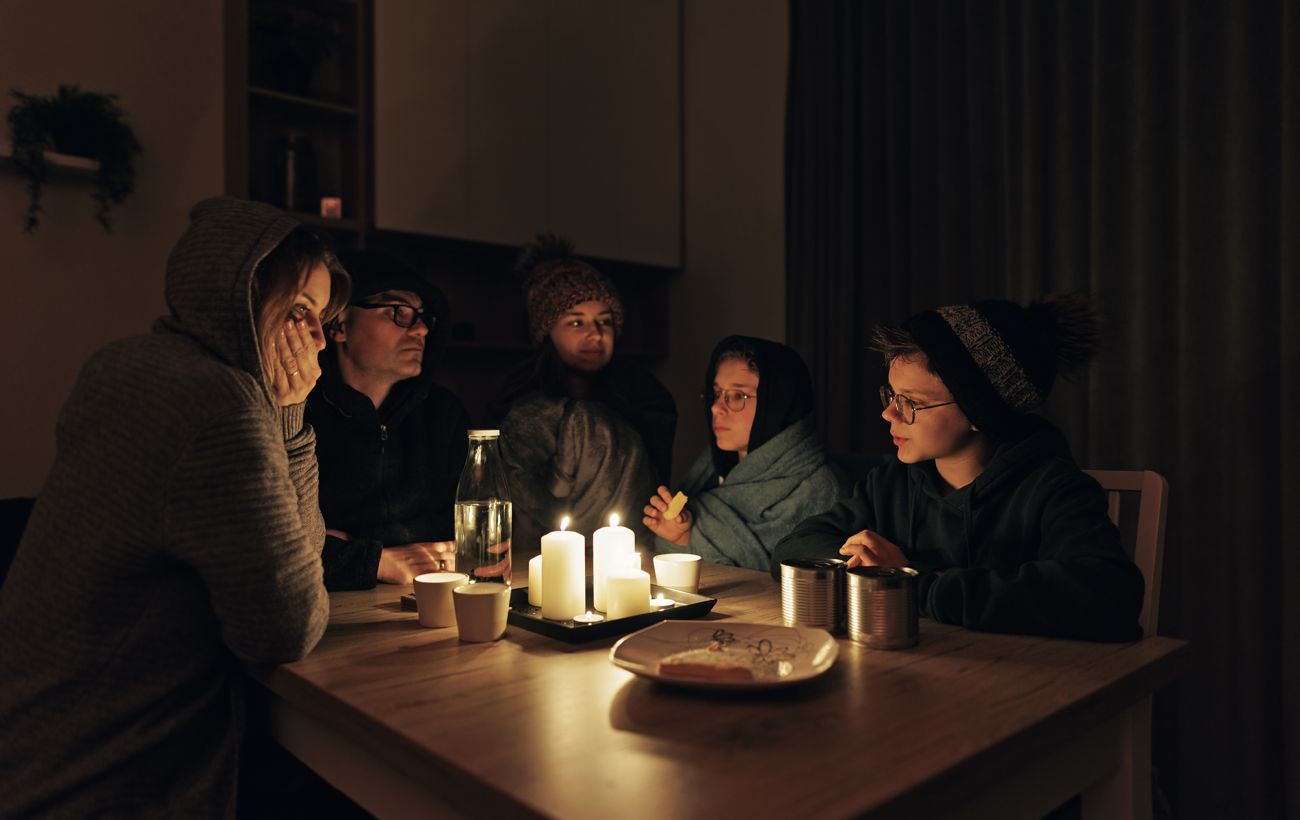
Zaporizhzhia region implements special emergency power outages
Due to critical pressure on Ukraine's power grid caused by recent attacks, special emergency power outage schedules have been introduced in the Zaporizhzhia region.
 🚨Events
Large-scale fire in Zviahel: five buses and a car destroyed
A daytime fire broke out at a private enterprise in Zviahel, destroying several vehicles. Emergency responders quickly extinguished the blaze and prevented it from spread…
 🚨Events
Poland Reveals New Details About Fallen Russian Kh-101 Missile
The Russian Kh-101 cruise missile that crashed in Poland's Lublin Voivodeship on November 20 was manufactured in the fall of 2026.
 🚨Events
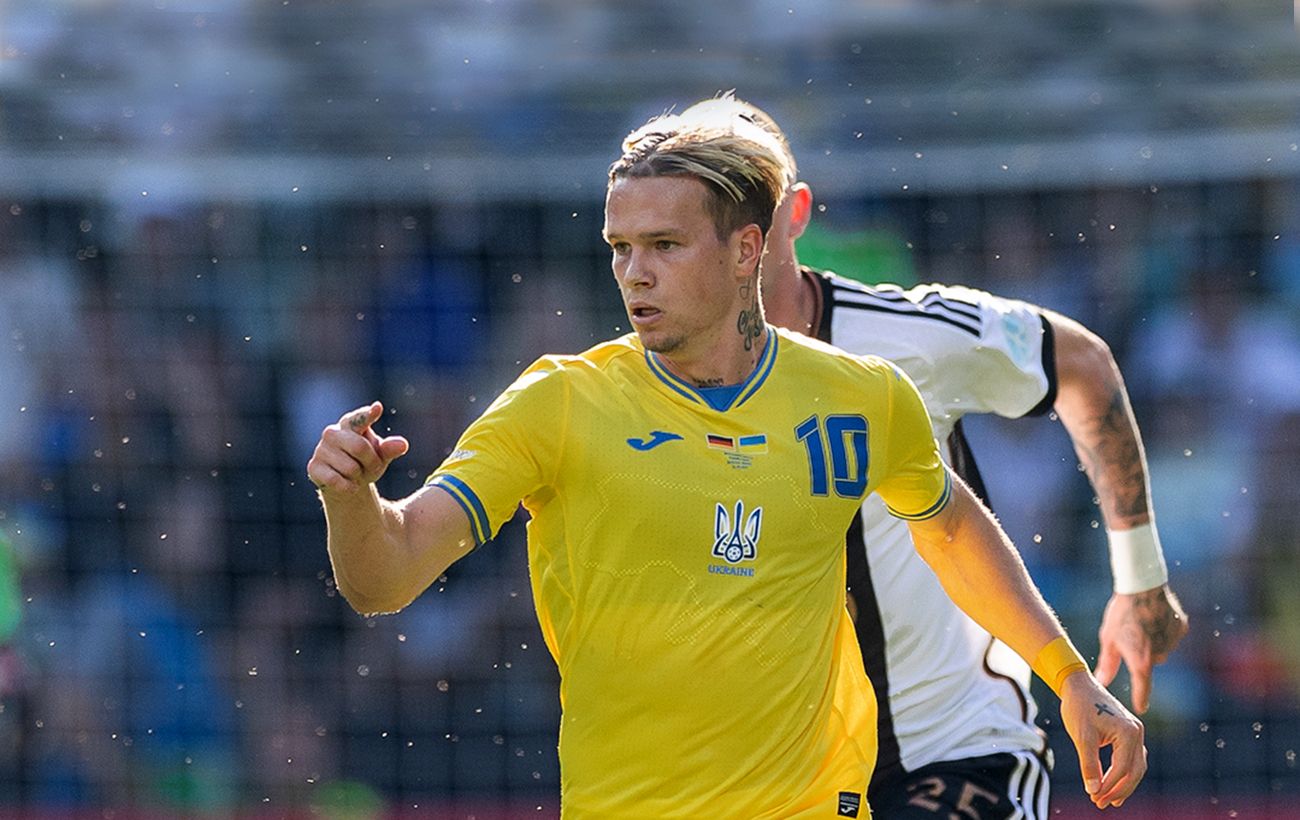
Sports Scandal: Ukraine National Team Doctor Comments on Mudryk's Doping Claims
The medical staff of the Ukraine national team has denied any involvement in the potential presence of meldonium in winger Mykhailo Mudryk's system during his time with t…
 💼Economy
Sunflower Oil Prices May Surge to 115 UAH per Liter Amid Production Challenges
Economic experts warn of a significant spike in food prices in Ukraine, driven by attacks on processing plants and global market shifts.
 👥Society
German far-right party leader calls for deportation of Ukrainians, Syrians and Afghans
Co-leader of the Alternative for Germany party Tino Chrupalla has announced plans to deport 2.6 million foreigners, including Ukrainians, from the country.